Live tonight, in six steps.
Setup takes about 10 minutes and is saved as you go. Your first $49 is charged the day you go live, then on the same date each month.
What setup asks for.
Find your restaurant
We copy your address, phone and hours from Google so you don't type them. Your reviews come in when you connect Google before going live. Not on Google? Enter it yourself.
Check your menu
Send a photo or PDF of your printed menu, up to 6 pages, and we read it in about a minute. Prices that are hard to read go to the Trueward team to check first.
Photos and colour
Add dish photos from your phone; we never use stock photos of food that isn't yours. Pick your colour from swatches that keep white text readable.
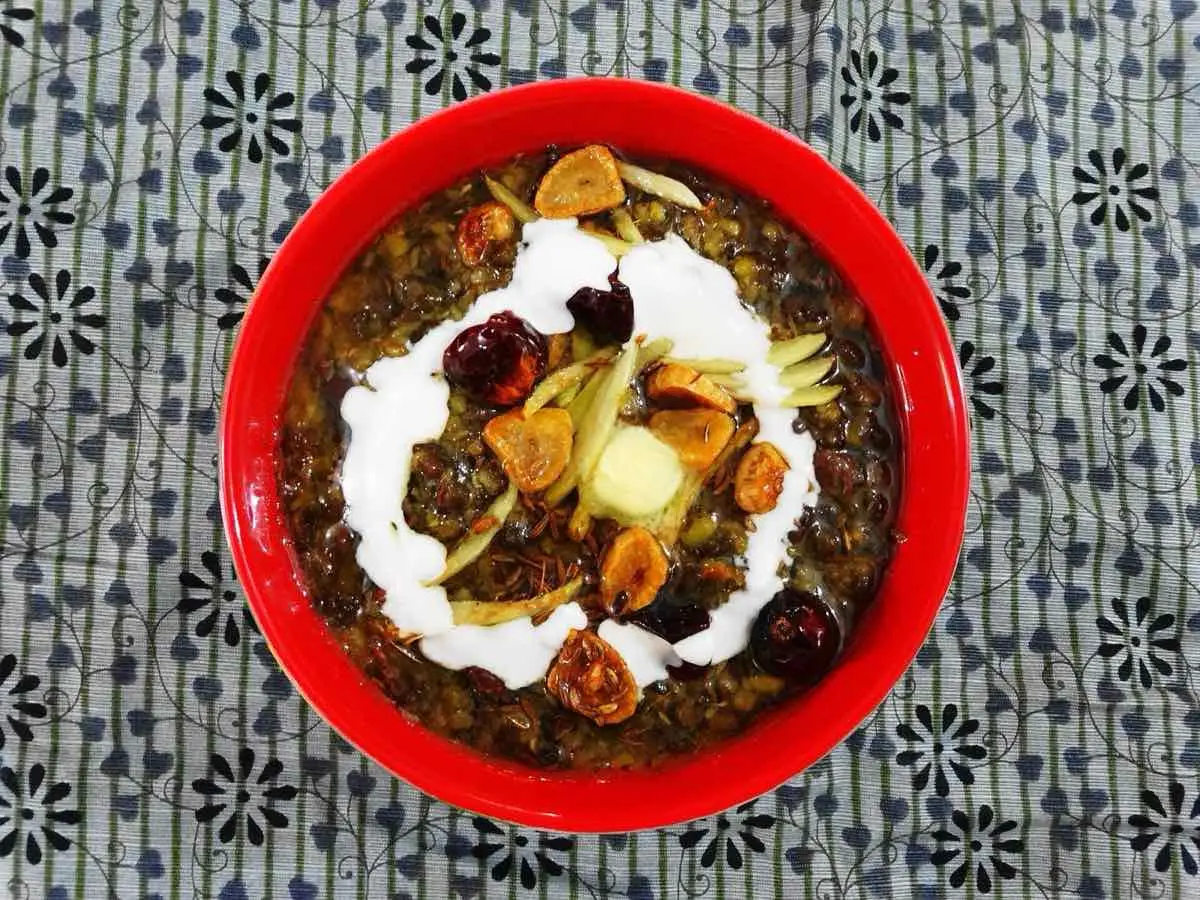
Dal makhani: a dish photo of the kind an owner adds from a phone. Get paid
Connect your bank with Stripe, about 3 minutes on Stripe's own page. Customers pay you directly; Trueward never holds it.
Stripe can take cardsReadyPayouts start after Stripe's first check, about 7 days. Then each day reaches your bank 2 business days later.Orders and delivery
Connect Clover, pair the counter tablet, or both. Add your own courier and any other brands from your kitchen; DoorDash Drive and Uber Direct connect in Settings.
CloverConnected 3:31 pmCounter tabletPairA restaurant goes live with Clover, the tablet, or both. You need at least one.Go live
A test order prints in the kitchen. Check the sales tax, link your Google listing, and press Go live.
Ready to go liveYour test order printed in the kitchen at 3:42 pm and showed in Clover. Stripe is connected.Go live
Then the first night's orders.
Rather talk first?
Text or call the pilot team at (646) 555-0100, 9 am to 9 pm. A text reaches Sam, who runs the pilot, the same day.